
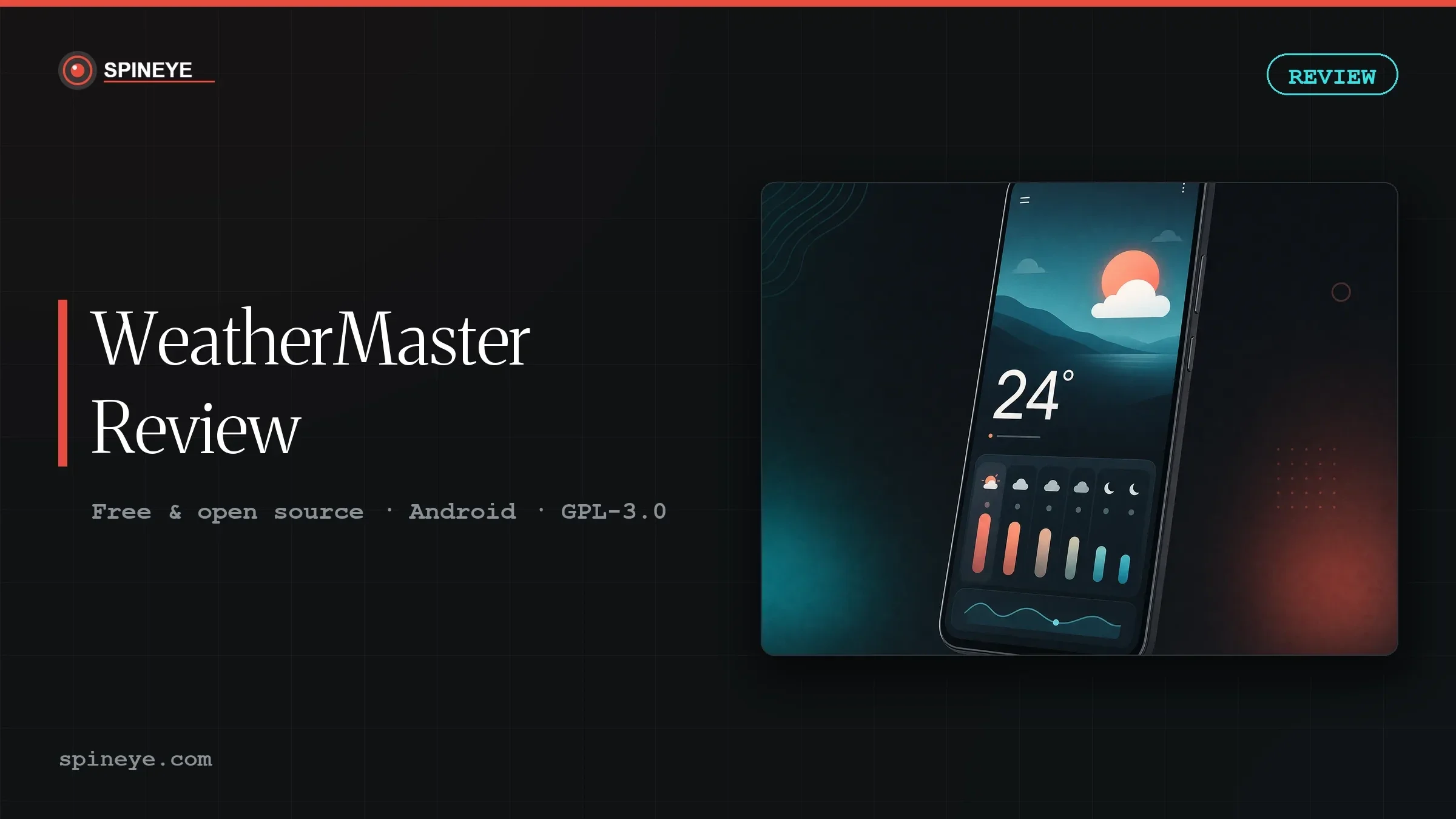
WeatherMaster is a free, open-source Android weather app that looks a lot like Google’s Pixel Weather, offers roughly fifteen forecast providers, and has almost no independent review coverage. It also arrives with a recommendation attached — one that, when you check it, turns out to be based on a misunderstanding.
That misunderstanding is the most interesting thing about this app, and it is the reason this WeatherMaster review exists. So let’s deal with it first, then look at whether WeatherMaster is worth installing anyway.
WeatherMaster earns its place if you want the Pixel Weather look without Google, and you enjoy theming. It is real software with real momentum: 2,978 GitHub stars and code pushed the same day I checked. But if you came because someone told you it lets you pick your forecast source, you should know that Breezy Weather does that too — with more than three times as many sources — and has a two-year head start on maturity.
The reason people give for switching does not hold up
WeatherMaster surfaced in our research the way the best finds usually do: not as an announcement from its developer, but as a quiet suggestion from a stranger in a comment thread. Someone had posted a list titled “Apps I Actually Use: Second Edition,” naming Breezy Weather as their permanent choice. A reply, upvoted 23 times, offered an alternative:
“I’d suggest also WeatherMaster. I’ve been an happy user of Breezy for a long time then (with no real reason, maybe only that I can choose weather forecast source) I switched to Weather Master.” — reply in r/androidapps, “Apps I Actually Use: Second Edition”
That is a clean signal. It comes from a third party, not the developer, and it names a concrete reason. So I checked the reason.
I want to be fair to the person who wrote that comment. They hedged it themselves — “with no real reason” — and people often reach for a technical justification when the honest answer is that they simply preferred how something looked. That is a perfectly good reason to switch a weather app. It is just not the reason they stated.
This matters beyond one Reddit comment. Recommendations like this get copied into listicles and “best of” roundups without anyone opening the documentation, and a misconception hardens into received wisdom. That is precisely the failure mode we mapped in our research into how hidden-gem software actually spreads.
What WeatherMaster actually is
WeatherMaster is an Android weather client built by a developer who goes by PranshulGG. The project started in June 2024 and is licensed under GPL-3.0. Its stated design inspiration is Google’s Pixel Weather app — the clean card layout, the large temperature, the gentle motion — rebuilt as free software with no ads and no tracking.
It pulls forecasts from national and open meteorological services rather than a single commercial API. The current provider list includes Open-Meteo, MET Norway, the US National Weather Service, Sweden’s SMHI, Germany’s DWD, Météo-France, Finland’s FMI, Environment Canada, Indonesia’s BMKG, AccuWeather, Italy’s Meteo AM, Portugal’s IPMA and WeatherAPI.com.
| Developer | PranshulGG |
|---|---|
| Licence | GPL-3.0 (free and open source) |
| Price | Free — no ads, no paid tier |
| Platform | Android |
| Distribution | GitHub Releases and IzzyOnDroid — not on the Play Store |
| GitHub stars | 2,978 |
| Forks | 123 |
| Open issues | 100 |
| Commits | 2,593 |
| Translations | 33+ languages via Crowdin |
| First commit | 16 June 2024 |
| Last code push | 8 August 2026 — the day this was checked |
The real differentiator is how it looks
Strip away the misattributed selling point and something genuine remains: WeatherMaster is a good-looking app, and it is unusually generous about letting you change that look. It ships with light and dark themes plus more than fifty colour options, which is well beyond what most weather apps offer and well beyond what Google’s own app allows.
If you have moved away from Google services but miss the Pixel Weather aesthetic specifically, this is the closest free replica available. That is a narrow appeal, but it is a real one, and nobody else is serving it as directly.
It is worth being honest about the category, though. Taste is not a feature you can benchmark. If someone tells you WeatherMaster is “better,” ask them better at what — because on measurable ground, the comparison below is less flattering.
WeatherMaster versus Breezy Weather
Breezy Weather is the established open-source Android weather app and the one WeatherMaster is most often measured against. Both are active: I checked them on the same day and both had received code pushes within hours of each other.
| WeatherMaster | Breezy Weather | |
|---|---|---|
| Selectable weather sources | ~15 | 50+ |
| GitHub stars | 2,978 | 10,948 |
| Forks | 123 | 387 |
| Open issues | 100 | 123 |
| Licence | GPL-3.0 | LGPL-3.0 |
| Project started | June 2024 | April 2022 |
| Air quality & pollen | Not documented | Documented |
| Design direction | Pixel Weather replica, 50+ colour themes | Material 3, icon pack support, live wallpaper |
Read that table without loyalty to either project and the picture is clear. Breezy is the more mature application by every countable measure. WeatherMaster’s case rests on aesthetics and on being lighter and newer — which some people genuinely prefer, and which is a legitimate thing to want.
What the issue tracker says
A hundred open issues on a project this size is not alarming by itself; popular open-source apps accumulate feature requests faster than anyone can close them. But reading them tells you what current users are actually running into, and some of it is worth knowing before you install.
The most significant is a bug report titled “extremely laggy interface after 3.8 update,” carrying the maintainer’s own bug label. Performance regressions after a release are common in fast-moving projects, but if you install and find the interface sluggish, you are not imagining it and you are not alone.
Two more are worth flagging. Despite the 33+ languages, there is an open bug for missing and unapplied translations, and German users have reported layout problems specifically — precipitation text overflowing and forecast dates being cut off. If you use the app in a language other than English, expect rough edges.
One design decision deserves scrutiny rather than a bug label. Users reported that all severity levels of weather alerts display as red in the locations list, and the maintainer marked it as-intended. For theming that would be a shrug. For severe-weather warnings, flattening every level to the same colour removes the distinction between “be aware” and “take shelter.” That is a defensible design choice, but it is one you should know about before relying on the app for alerts.
Finally, the long queue of requests for additional sources — Yandex, Gismeteo, Taiwan’s Central Weather Administration, Belgium’s KMI — is itself informative. It confirms that source coverage is the app’s thin spot, not its strength.
Privacy and how you install it
WeatherMaster is not on the Play Store. You install it from GitHub Releases or from IzzyOnDroid, a well-known F-Droid-compatible repository. That is normal for this class of app, and it is a genuine privacy advantage: no Play Services dependency, no ad SDK, no analytics bundle.
It also means you take on the update duty yourself. Sideloaded apps do not auto-update, and a weather app you forget to update is a weather app running old bug fixes. This is exactly the problem Obtainium solves — it watches GitHub and IzzyOnDroid releases and prompts you when a new version lands. If you are installing WeatherMaster, install something like that alongside it.
The same reasoning applies to any app you pull from outside an app store. Our review of Next Player covers the same trade-off from the media-player side, and our analysis of the Huntarr security incident is a reminder that “open source” and “safe to run unattended” are not the same claim.
What works
- Genuinely free: no ads, no tracking, no paid tier, GPL-3.0
- The closest free approximation of Pixel Weather’s look
- 50+ colour options — unusually deep theming for a weather app
- Pulls from national meteorological services, not one commercial API
- Very active development: 2,593 commits and code pushed the day I checked
- 33+ community translations via Crowdin
- Available on IzzyOnDroid, so no Play Services required
What to weigh
- ~15 sources against Breezy Weather’s 50+ — the opposite of its reputation
- Open bug: “extremely laggy interface after 3.8 update”
- Missing and unapplied translations, with German layout faults reported
- All alert severity levels render red, marked as-intended
- Younger and less proven: since 2024, versus Breezy since 2022
- No Play Store listing — you own the updating
- Air quality and pollen data are not documented, unlike Breezy
Which of the two actually fits you?
Three questions, no data leaves your browser. This is a judgement aid, not a verdict.
1. How much does breadth of forecast sources matter?
A lot — I compare providers Barely — one good forecast is fine2. How much do you care about the Pixel Weather look and theming?
A lot — the look is why I’d switch Not much — function over form3. Do you need dependable severe-weather alerts and air quality data?
Yes — I rely on them No — general forecast is enoughWho should install it, and who shouldn’t
Install WeatherMaster if you have de-Googled your phone but miss the Pixel Weather interface, you like customising how your apps look, and you want a free weather app that takes nothing from you. On those terms it delivers, and the developer is clearly still building.
Stay with Breezy Weather if you want the widest choice of forecast providers, you need air quality or pollen data, you depend on graded severe-weather alerts, or you simply want the more battle-tested project. None of that is a criticism of WeatherMaster; it is a two-year maturity gap doing what maturity gaps do.
And if you were about to switch because you heard WeatherMaster lets you choose your weather source — you already had that, and more of it. Switch for the design if you like the design. That is reason enough; it just isn’t the reason going around.
WeatherMaster review verdict
WeatherMaster is a well-made, honestly free weather app with a clear visual identity and a developer who ships. It is not the source-choice powerhouse its word-of-mouth suggests, and pretending otherwise would do readers no favours. Scored on what it is rather than what it is rumoured to be, it lands at 7.6 out of 10: recommendable, actively improving, and a legitimate second option in a category where the leader is still clearly ahead.
If it keeps closing the source gap and settles the performance complaints, that number should rise. This review will be updated if it does.
Frequently asked questions
Is WeatherMaster free?
Yes, completely. It is released under the GPL-3.0 licence with no ads, no paid tier and no subscription. There is no upsell inside the app.
Is WeatherMaster on the Google Play Store?
No. You install it from GitHub Releases or from the IzzyOnDroid repository, which is compatible with F-Droid clients. Because it is sideloaded, it will not update itself automatically.
Does WeatherMaster let you choose your weather source?
Yes, it supports roughly fifteen providers including Open-Meteo, MET Norway, the US National Weather Service, DWD and Météo-France. However, this is often cited as a reason to switch from Breezy Weather, which supports more than 50 selectable sources. On this specific point WeatherMaster offers less, not more.
WeatherMaster or Breezy Weather — which is better?
Breezy Weather is the more mature project by every countable measure: 10,948 stars against 2,978, more than 50 sources against about fifteen, and documented air quality and pollen data. WeatherMaster’s advantage is aesthetic — a Pixel Weather-style interface with 50+ colour themes. Choose on which of those you value.
Does WeatherMaster track me or show ads?
The project states it has no ads and no tracking, and it is distributed outside the Play Store so it carries no Play Services dependency. Because the source is public under GPL-3.0, these claims are open to independent inspection.
Are there known problems with WeatherMaster?
Yes. The public issue tracker carries an open bug titled “extremely laggy interface after 3.8 update,” an open bug for missing and unapplied translations, and reported layout faults in German. Separately, all severity levels of weather alerts display in red, which the maintainer has marked as intended behaviour.
Can I rely on WeatherMaster for severe weather warnings?
Treat it with caution. Because every alert level renders in the same red in the locations list, the visual distinction between a minor advisory and a serious warning is lost. For safety-critical alerts, use your national meteorological service’s own channel as the authority.
How do I keep a sideloaded app like WeatherMaster updated?
Use an updater that watches release feeds. Obtainium tracks GitHub and IzzyOnDroid releases and notifies you when a new version appears, which removes the main drawback of installing outside an app store.
Sources consulted
- WeatherMaster on GitHub — project data, licence, source list, issue tracker (read 8 August 2026)
- WeatherMaster on IzzyOnDroid — distribution and package details
- Breezy Weather on GitHub — comparison figures and documented source count
- r/androidapps — “Apps I Actually Use: Second Edition” — the community recommendation examined above
- Open-Meteo — the default forecast provider
Figures were read directly from the GitHub API on 8 August 2026 and may have moved since. Where the GitHub web interface rounds the star count, the exact API value has been used.