
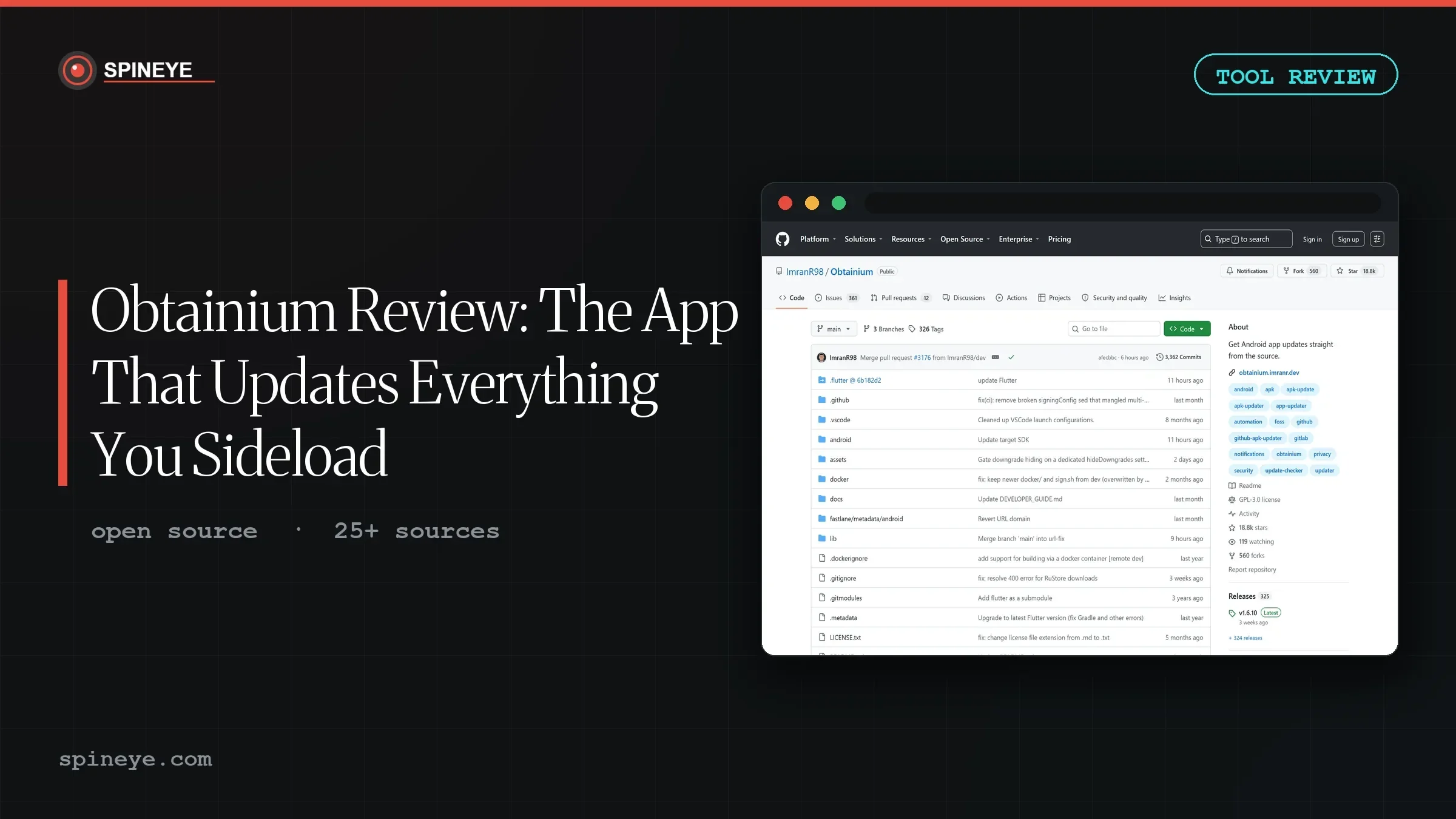
Ask r/androidapps how to sideload apps and one name comes back before any other: start with Obtainium. In list after list of “hidden gem” recommendations, it is the tool people say to install first — because it is the thing that keeps all the others up to date. This Obtainium review looks at why a utility with 18,800 GitHub stars still has almost no coverage, and whether it deserves the reflex recommendation.
Ben-G — independent reviewer at Spineye. Reviews are research-based: documentation, release notes, community discussions and real user reports, with sources linked. Where I’ve used a tool hands-on, I say so explicitly. How we review · LinkedIn
Verdict: the piece of infrastructure the sideloading world quietly runs on. It solves a real gap — keeping non-Play-Store apps updated automatically — across more than twenty-five sources, for free. The caveats are inherent to the job: some sources rely on web scraping that breaks, and you take on the security responsibility an app store normally handles.
What Obtainium Solves
Android apps that live outside the Play Store have a quiet problem: nothing updates them. The Play Store handles updates for the apps it hosts, but an APK you downloaded from GitHub just sits there, slowly going out of date, until you remember to check the releases page and repeat the whole download-and-install dance by hand.
Obtainium closes that gap. You give it the URL of a project — a GitHub repo, an F-Droid page, dozens of other source types — and it watches for new releases, notifies you, downloads the APK and installs it with a tap. It is, in effect, a personal app store that you assemble yourself, one source at a time.
| Spec | Detail |
|---|---|
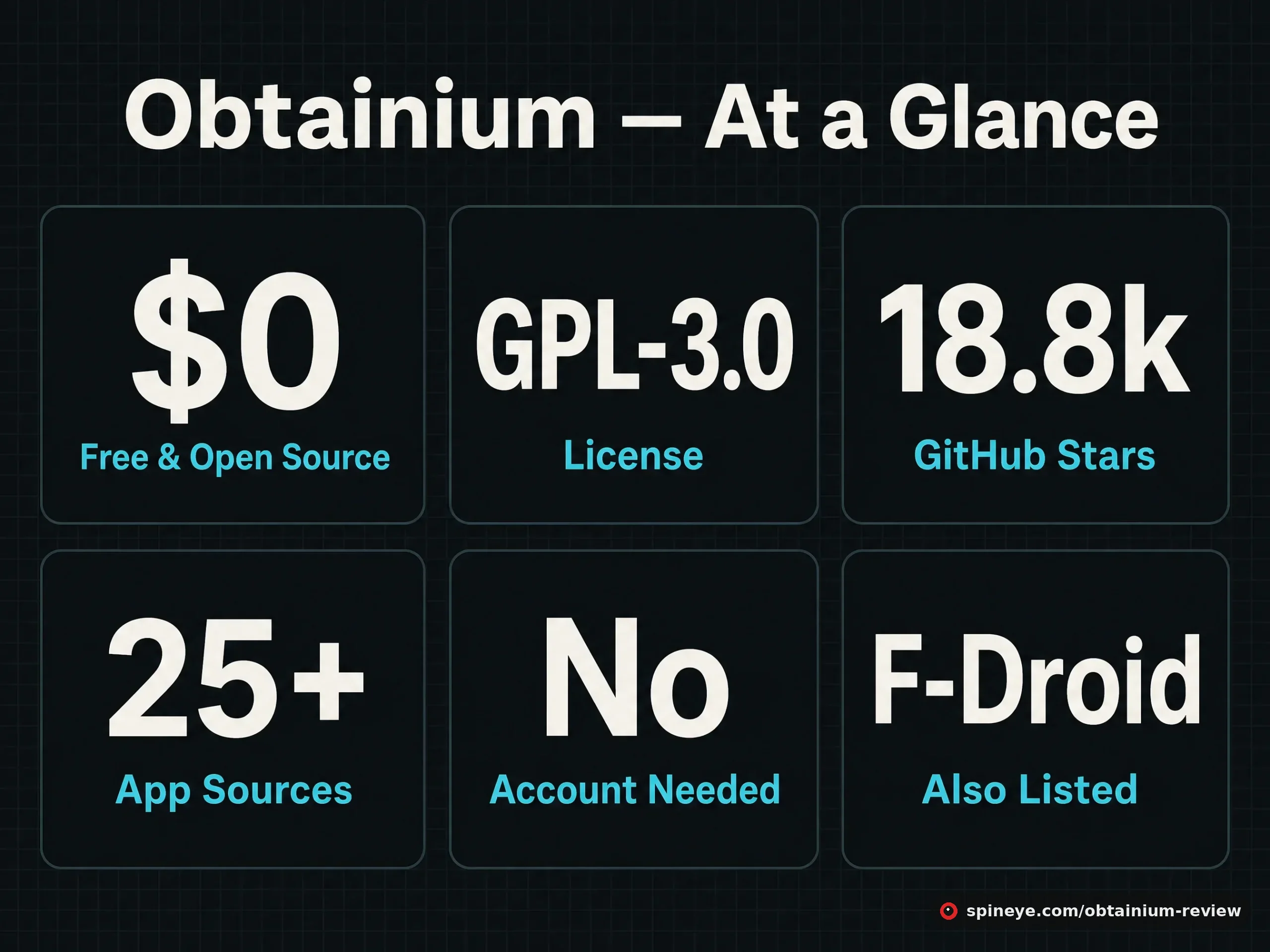
| Price | Free — no ads, no tiers, no account |
| License | GPL-3.0, fully open source |
| Community | 18,800 stars, 560 forks, 3,362 commits |
| Install | GitHub releases, IzzyOnDroid, F-Droid (package dev.imranr.obtainium) |
| Sources supported | 25+ — see below |
| Developer | ImranR98, maintained openly on GitHub |
The Source List Is the Whole Story
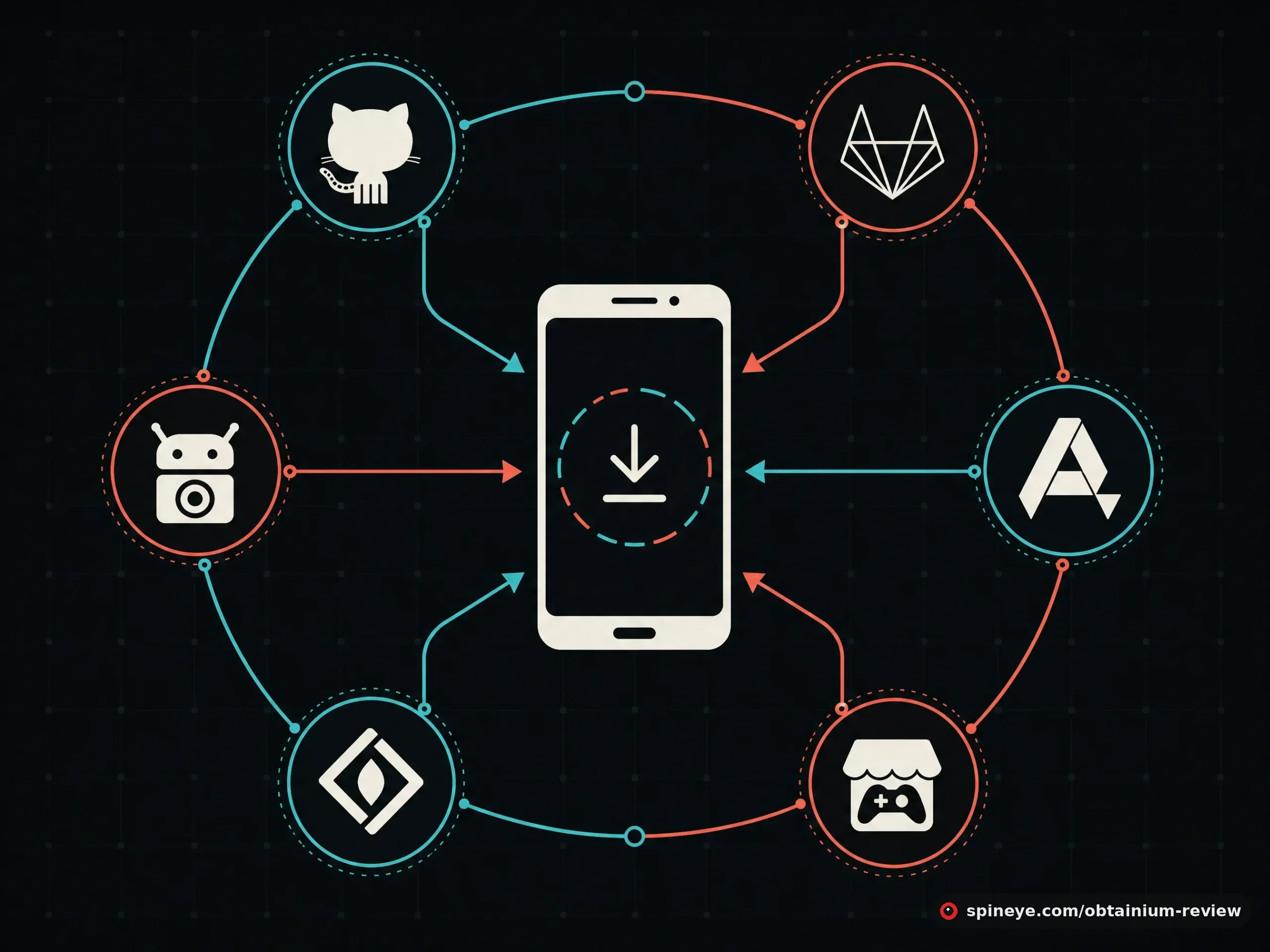
The single existing review of Obtainium covers the GitHub case and stops there. That undersells it badly. The real reach is the source list:
- Open-source hosts: GitHub, GitLab, Forgejo/Codeberg, F-Droid, third-party F-Droid repos, IzzyOnDroid, SourceHut.
- General app sources: APKPure, Aptoide, Uptodown, APKCombo, itch.io, SourceForge, Jenkins jobs, plus several regional stores (Huawei AppGallery, RuStore, CoolApk and others).
- Track-only: APKMirror and RockMods — Obtainium notifies you of updates even where it cannot auto-download.
- Fallback: a generic HTML source you configure yourself to scrape an APK from almost any page, plus direct APK links.
That breadth is why the community treats it as foundational rather than optional. Whatever obscure app you found — including the Next Player we reviewed recently — Obtainium can very likely follow it and keep it current.
How It Works, Start to Finish
- Install Obtainium itself (ironically, via GitHub or F-Droid — then let it update itself thereafter).
- Add an app by pasting the URL of its source page, or use the built-in search for common ones.
- Obtainium detects compatible releases and your installed version; if a source publishes several APK variants, you pick which to track.
- It checks on a schedule and notifies you when something is newer than what you have.
- Tap the notification: it downloads the APK and hands it to Android’s installer. One confirmation and you are current.
The reviewer who tested it for weeks summed up the appeal precisely:
“The only thing you really need is the URL of the project you want to follow… it works flawlessly.”
hndrk.blog, the one existing independent reviewThe Honest Trade-offs
This is where a real review has to go further than “it works flawlessly,” because the design carries genuine costs.
- Scraped sources break. The project says so plainly: for some sources “data is gathered using web scraping and can easily break due to changes in website design.” GitHub and F-Droid are stable; a regional store that redesigns its site can stop working until someone updates the parser.
- Configuration can get fiddly. Straightforward sources are one paste. Awkward ones — odd release naming, multiple architecture builds, pre-releases — need per-app filters. Power is the point, but it is not zero-setup.
- It is not a discovery tool. Obtainium keeps apps you already found up to date; it does not help you find them. Pair it with the communities — or reviews like this one — that surface the apps in the first place.
- Solo maintainer. One developer, as with most tools in this space. The 18.8k stars mean an active community around it, which softens the risk without removing it.
Obtainium vs the Alternatives
| Option | What it does | Sources | Auto-update |
|---|---|---|---|
| Obtainium | Follows apps at their real source | 25+ (GitHub, GitLab, F-Droid, APKPure…) | Yes, with notifications |
| F-Droid | Curated open-source app store | Its own repo only | Yes, within the repo |
| Aurora Store | Anonymous Play Store client | Google Play | Yes, from Play |
| Manual APK downloads | Nothing — you do the work | Anywhere | No |
These are complements more than rivals. F-Droid is a curated catalogue with its own review process, but only for apps inside it and often a version or two behind upstream. Aurora fetches from Google Play without an account. Obtainium is the piece that covers everything else — the GitHub-only app, the beta not yet on F-Droid, the developer who ships straight to their own site. Most sideloaders end up running two or three of these together, with Obtainium as the glue.
Pros and Cons
Pros
- Free, GPL-licensed, no account, no ads, no tracking
- 25+ source types — nothing else covers this range
- Automatic update checks with tap-to-install
- Signature pinning available for safer updates
- Self-updating once installed
- Large, active community around an 18.8k-star project
Cons
- You take on the security screening a store would do
- Scraped sources can break on website redesigns
- Advanced sources need per-app configuration
- Does not help you discover apps, only track them
- Solo maintainer
- Sideloading itself carries risk if you follow untrusted sources
Should You Use It?
Who It’s For — and Who Should Skip It
Best for:
- Anyone who already sideloads more than a couple of apps and updates them manually
- FOSS users living on GitHub and F-Droid releases
- People running apps that ship ahead of their F-Droid version and want the newest build
- Privacy-minded users avoiding Google Play entirely
Skip it if:
- Every app you use is on the Play Store and you are happy there
- You want a curated, screened catalogue — that is F-Droid’s job, not Obtainium’s
- You are not comfortable deciding for yourself which sources to trust
Getting It
Install from GitHub releases, IzzyOnDroid or F-Droid — then add Obtainium to itself so it stays current from then on. Turn on signature pinning for anything sensitive, and start with sources you already trust before venturing into scraped ones.
Final Verdict
Obtainium earns the reflex recommendation it gets. It fixes the one thing that makes sideloading tedious — updates — across a source list nothing else comes close to matching, for free and without an account. It sits just short of the top only because its strengths and its risks are the same coin: pointing straight at the source is what makes it powerful and what puts the security decision in your hands. Use it deliberately, turn on signature pinning, and it becomes the backbone of a Play-Store-free phone.
Frequently Asked Questions
Is Obtainium free?
Yes — completely free and GPL-3.0 open source, with no ads, no paid tier and no account required.
What sources does Obtainium support?
More than 25, including GitHub, GitLab, Forgejo/Codeberg, F-Droid and third-party F-Droid repos, IzzyOnDroid, SourceHut, APKPure, Aptoide, Uptodown, itch.io, SourceForge and several regional stores, plus a generic HTML fallback and direct APK links.
Is Obtainium safe to use?
The app itself is open source and auditable. The risk is not Obtainium but the sources you add: because it fetches directly from a developer’s release page, you are trusting that source. Enabling signature pinning, which rejects updates signed with a different key, is a strong safeguard.
How is Obtainium different from F-Droid?
F-Droid is a curated catalogue with its own review process, limited to apps inside its repo and often slightly behind upstream. Obtainium follows apps at their actual source — GitHub, a developer’s own site, dozens of others — so it covers everything F-Droid does not. Many people run both.
Can Obtainium update apps automatically?
It checks for updates on a schedule and notifies you; installing is a single tap. Fully unattended installation depends on your Android version and permissions, but the manual step is minimal.
Does Obtainium need root?
No. It works on unrooted Android using the standard installer, though as with any sideloading you grant it permission to install packages.
Why do some Obtainium sources stop working?
Some sources are read by web scraping, so a website redesign can break the parser until it is updated. Stable sources like GitHub and F-Droid are far less prone to this than scraped regional stores.
Who makes Obtainium?
Developer ImranR98, who maintains it openly on GitHub where it has over 18,000 stars and an active contributor community.
Sources
- Obtainium GitHub repository — sources, features, limitations, license
- obtainium.imranr.dev — official site and wiki
- hndrk.blog — the existing independent review
- r/androidapps recommendation threads — where it is repeatedly named first
Obtainium is how you keep the rest of these current: our Next Player review covers a video player it can follow, our WeatherMaster review looks at an IzzyOnDroid weather app that needs exactly this kind of updater, and the research behind these picks explains how we find them in the first place. More in the Spineye blog and our reviews section.